Check a licence
How to check a licence
No account is needed. Anyone can run a check — an employer, a traffic officer, or the holder.
-
Find a number on the card
The licence number is printed on the card. The reference number is the four digits at the end of it.
-
Scan the code, or type the number
Point a phone camera at the QR code, or enter the number in the form to the left.
-
Compare the result against the card
Check the photograph and date of birth returned against the card and the person presenting it.
Which number can I use?
Any of the four, whichever is recorded against the licence.
| Number | Where to find it |
|---|---|
| Licence number | Printed on the card, in the form 01-02-XXXXXXXX. |
| Reference number | The last four digits of the licence number. |
| ID card number | The national ID recorded when the licence was issued. |
| Passport number | The passport recorded when the licence was issued. |
What a check shows
Enough to confirm the card in front of you is genuine, and no more than that.
Shown
- Licence and reference number
- Name and father's name
- ID card and passport number
- Address on record
- Blood group and date of birth
- Issue and expiry dates
- Photograph of the holder
Not shown
- Contact details of any kind
- The holder's signature
- Internal processing status
A check needs a specific number. The register cannot be browsed or listed, and searching by name is not possible.
Before you set off
Two habits account for a large share of the injuries seen on Nepal's roads, and both are settled before the vehicle moves.
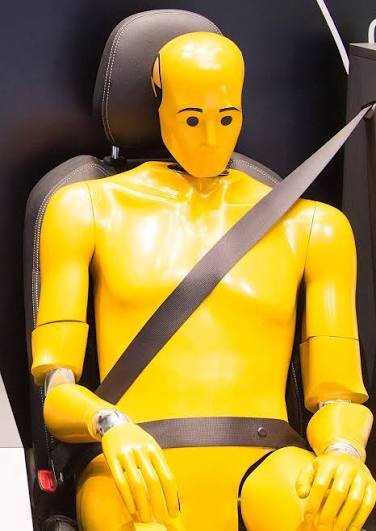
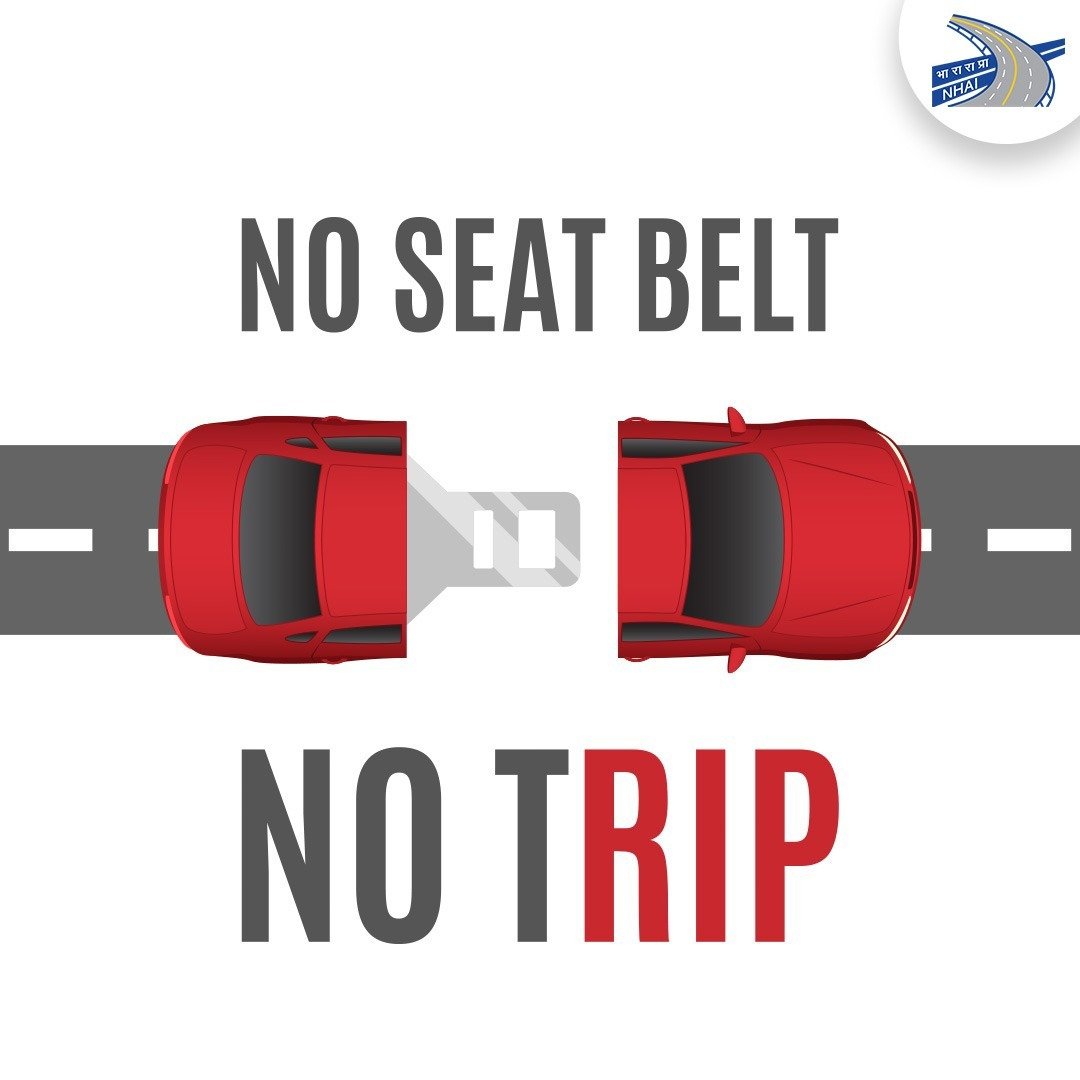
Fasten the belt, every trip
Most crashes happen close to home, at ordinary speeds. The belt is what keeps you behind the wheel rather than against it, and the short familiar journey is exactly the one people skip it on. It applies in the back seat too — an unbelted rear passenger is a hazard to everyone in front of them.
Leave the phone alone
Glance down at a message at 60 km/h and you travel the better part of a football pitch with your eyes off the road. Hands-free changes where the phone sits, not where your attention is. Set it aside before you start, and stop if you need to answer it.